One timeline · class to curfew

Your whole day, in the order it actually happens.

Class, practice, film, your work shift, every deadline — Dayflow merges your entire schedule into one living timeline, so you always know what's next without checking five apps.

Free to start · works on your phone
Good morning Today
7:00AM
Up next MATH 231 · Lecture 9:00 AM
8:00 AM The morning scramble

Five apps before you've even had coffee.

Canvas for assignments. Email for the coach who moved film to 6am. A group chat for the practice change. A notes app for your work shifts. You stitch it together in your head every morning — and still get blindsided.

Dayflow does the stitching for you.

Canvas
Assignments
Email
Coach & profs
Group chat
Practice changes
missed
Notes app
Work shifts
9:00 AM First on the timeline · Class

One screen for the whole day.

Everything — merged, color-coded by type, and sorted by what's happening next. A live "Now" line shows exactly where you are in the day.

dayflow.app / today
Today
Week
Deadlines
Grades
Courses

Your day

TUE · JULY 7
9:00 AM
MATH 231 · Lecture
ClassWarren Hall 210
12:30 PM
Offense film
AthleticsEast classroom
NOW · 2:14 PM
3:30 PM
Practice
AthleticsMain field
6:00 PM
Work shift
WorkCampus Store · 6–9pm
11:59 PM
Problem Set 4
DueMATH 231
Pulls everything from Canvas Gmail Google Calendar Team schedule Work shifts
12:30 PM Film session · Athletics built in

From scattered to sorted in three steps.

Connect once — then Dayflow keeps itself current. Practice, film, and game days sit right alongside your classes and deadlines.

STEP 01

Connect everything

Link Canvas, your email, and your team and work calendars. A couple of taps — nothing to configure.

STEP 02

Dayflow gathers your day

It pulls assignments, practice and film times, game days, work shifts, and dates hiding in your email — all into one place.

STEP 03

See what's next

Everything you've got going on, on one timeline, sorted by what's happening next — with a live "Now" line.

3:30 PM Practice · Main field
For every kind of student

Athlete, worker, or just over-committed — Dayflow keeps up.

It doesn't matter how packed your week is. Everything you're balancing lands in one place, sorted by what's next — so you can stop running the schedule in your head and just show up.

Open the app
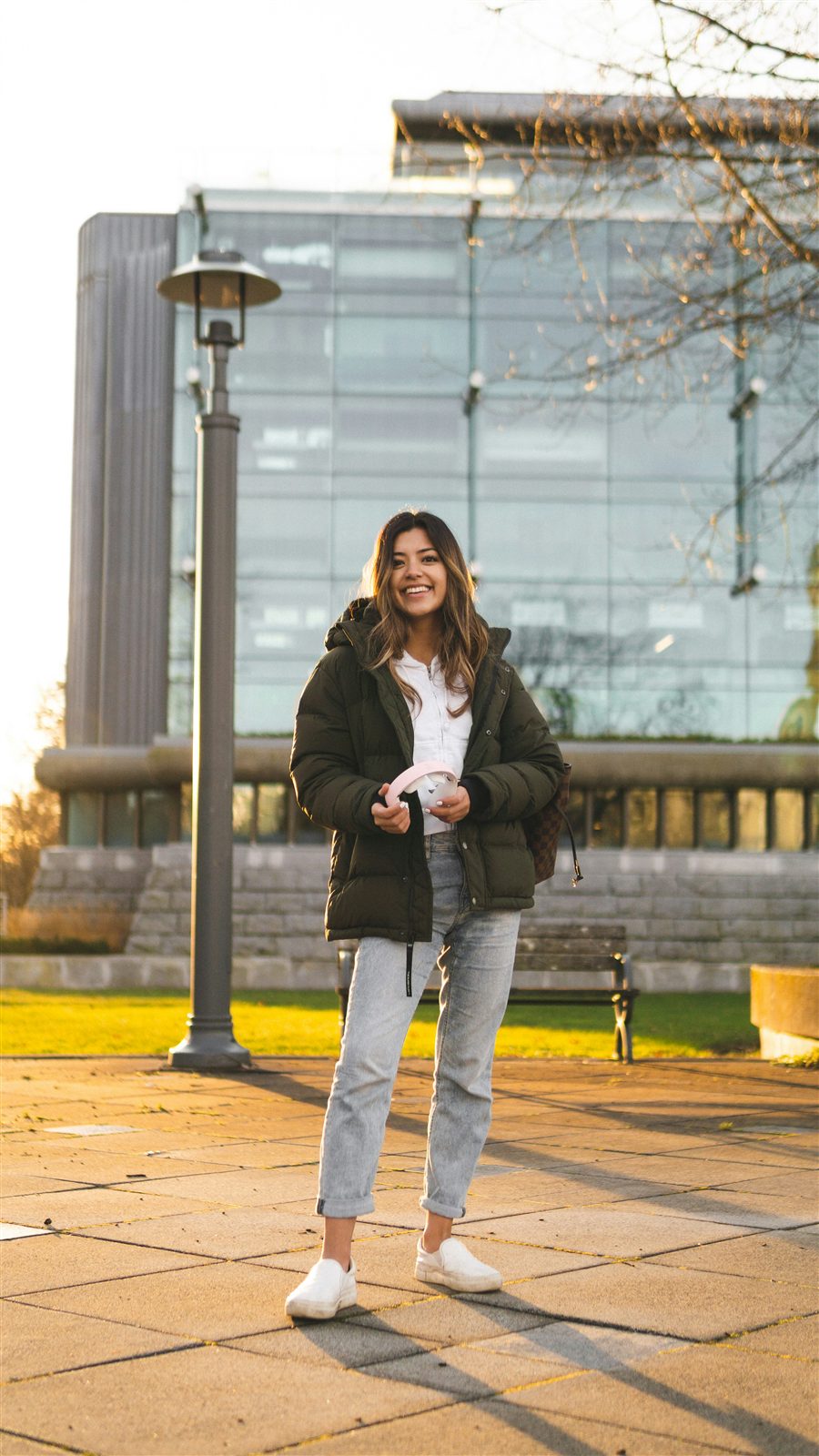
A student smiling on campus at golden hour, headphones in hand 3:30 PM · Practice · on time
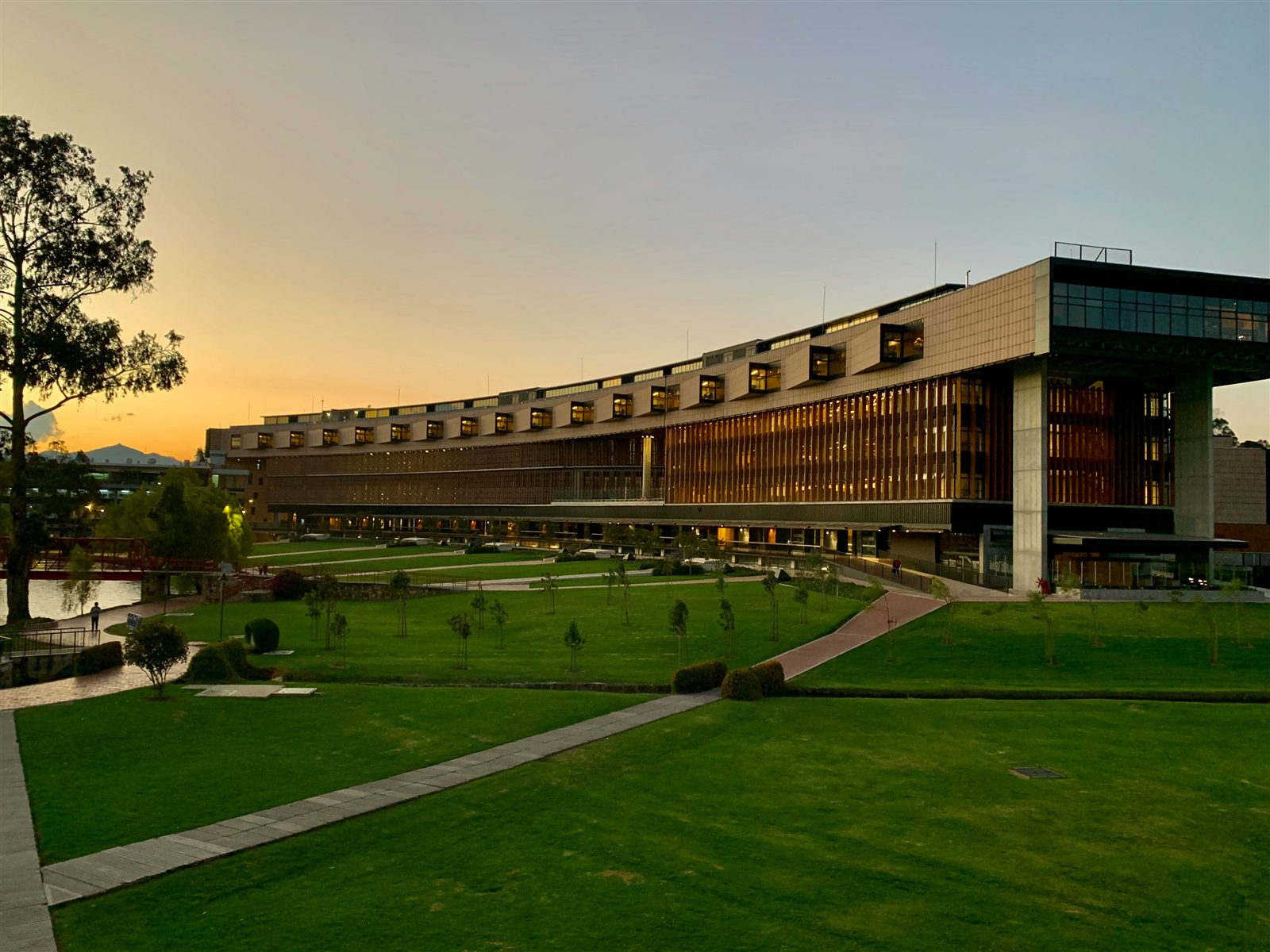
A university campus building glowing at sunset
6:00 PM Sun's down · you're on shift

The most on-top-of-it person on campus? That's you now.

Class wrapped, practice done, and you're clocking in — with tonight's deadlines already in view. Dayflow keeps the whole day in front of you so nothing slips after dark.

golden hour · your campus
9:00 PM Back at the desk · Homework

Everything you juggle, in one command center.

Six things doing the work of five apps — quietly, in the background.

Your whole day, one timeline

Classes, practice, film, work shifts, and deadlines merged into a single schedule, in order.

Athletics built in

Practice, film sessions, workouts, and game days — with reminders so you're never late.

Work shifts

Know exactly when you're on the clock. Add shifts or sync them from your scheduling app.

Smart email reading

Paste or sync an email and Dayflow pulls the date out — "film moved to 6am" just works.

Deadlines & grades

Canvas assignments and your grades, so school never slips through the cracks.

Works on your phone

Add it to your home screen and it opens fullscreen, like a native app.

11:59 PM The deadline · nothing slips
Class at 9 · film at noon · shift at 6 · three assignments due

A day that used to blindside you, handled.

Every part of your day on one screen, sorted by what's next — so 11:59 PM never sneaks up again.

FAQ

Good questions.

Neither — it's for your whole life. Dayflow started with classes and deadlines, but it handles anything on your schedule: practice, film, games, work shifts, club meetings, appointments. If it's part of your day, it goes in Dayflow.

Any school that uses Canvas — which is most of them. Dayflow connects through your personal Canvas calendar feed, so it works no matter which campus you're on.

No. Dayflow pulls classes and deadlines from Canvas and dates from your email automatically. You can add one-off things — a practice change, a shift, an appointment — in a couple of taps.

Yes, it's free to start. Dayflow is an early-stage product built by students, for students — you can use the core dashboard at no cost.

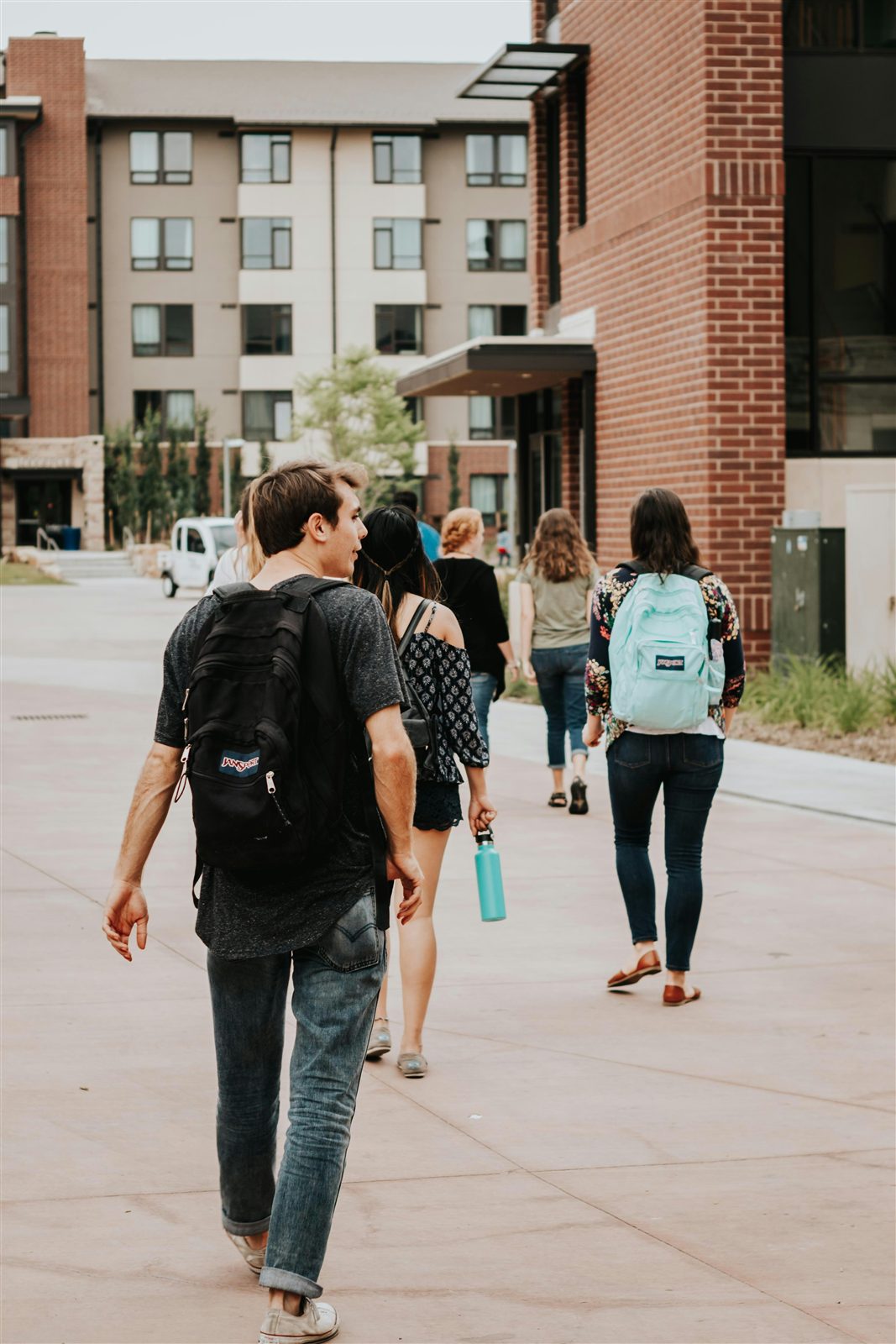
Students walking across campus with backpacks in the morning
Tomorrow · 6:30 AM

Walk into every day already knowing the plan.

No more scrambling the night before or hearing about a change too late. Dayflow reads it, files it, and keeps it in front of you — automatically.

Open the app